Before you start: add History Monk from the Chrome Web Store or Firefox Add-ons. The Chrome Web Store version also installs in Edge.
Every filter in History Monk is something you type into the same search box. Put several side by side and a page has to match all of them. The order doesn’t matter.
Step 1: Start with the site
If you know where the page was, start with site: and pick the site from the list. This cuts the list down the most.
Step 2: Add what you remember about the page
Add a word, or tell History Monk where the word is:
title:pullfor a word in the page titleurl:/pull/for part of the address-site:,-title:or-url:to leave pages out
Step 3: Add when you saw it
Finish with after: or before:. Here, after:yesterday keeps pages from the start of yesterday until now.
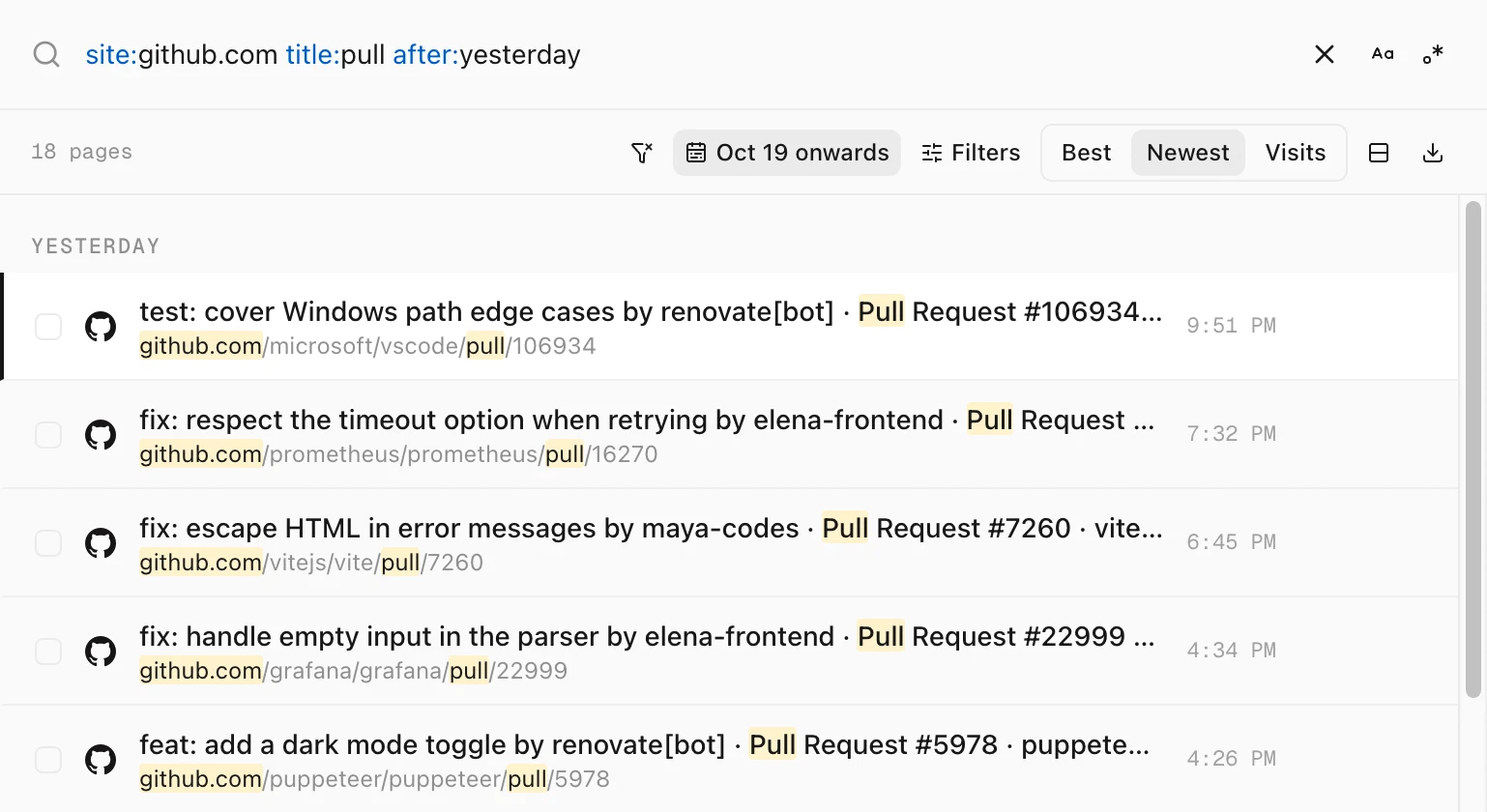
site:github.com title:pull after:yesterday finds 18 pull requests.More searches to try
Each of these was tested on the same placeholder history as the screenshots.
A hotel you looked at, not the search pages. -url:searchresults drops Booking.com’s search pages and keeps the hotel pages.
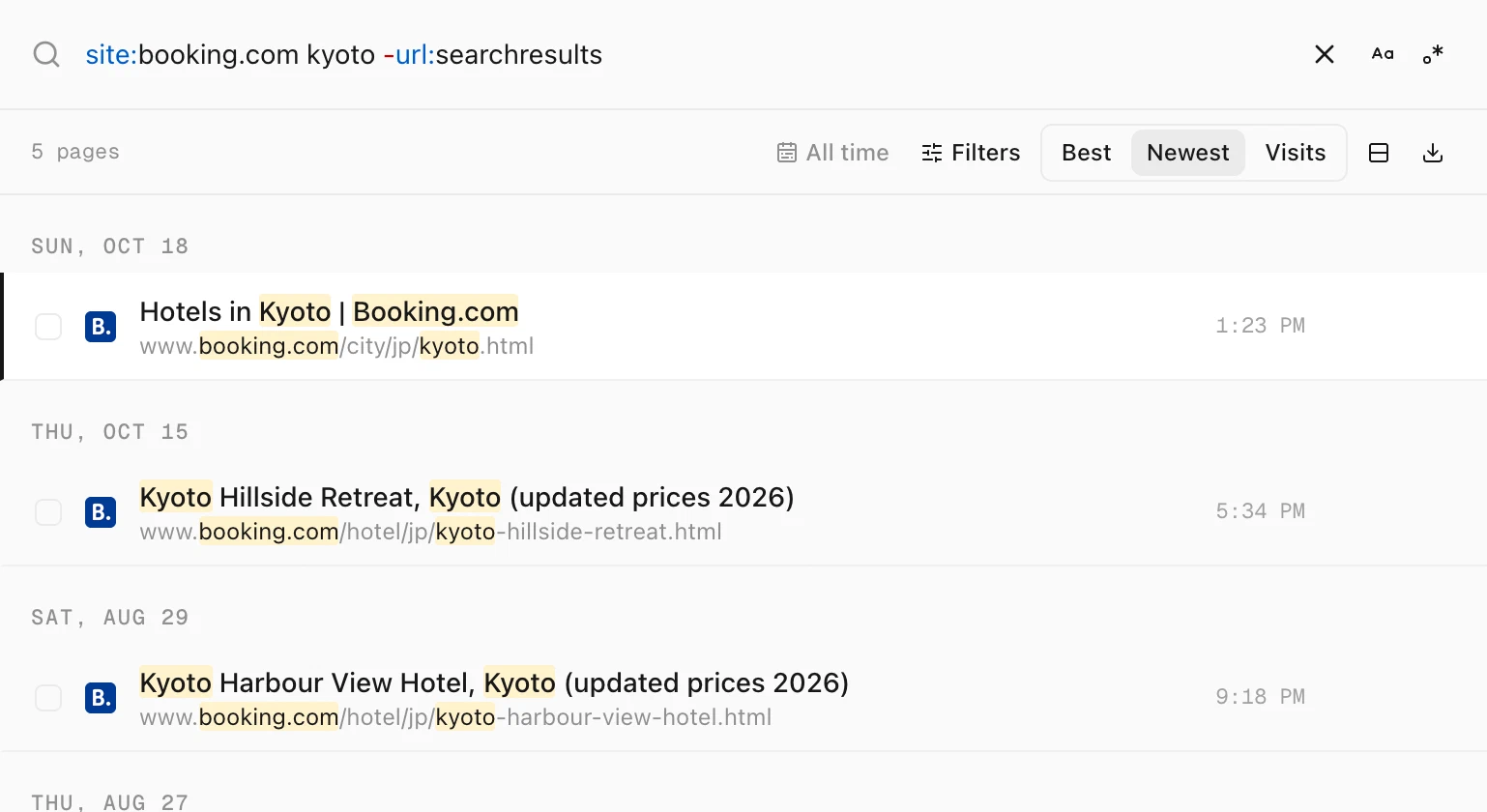
site:booking.com kyoto -url:searchresults keeps 5 hotel pages.The videos you watched most this month. url:watch?v= keeps video pages, and sort:visit puts the most watched first.
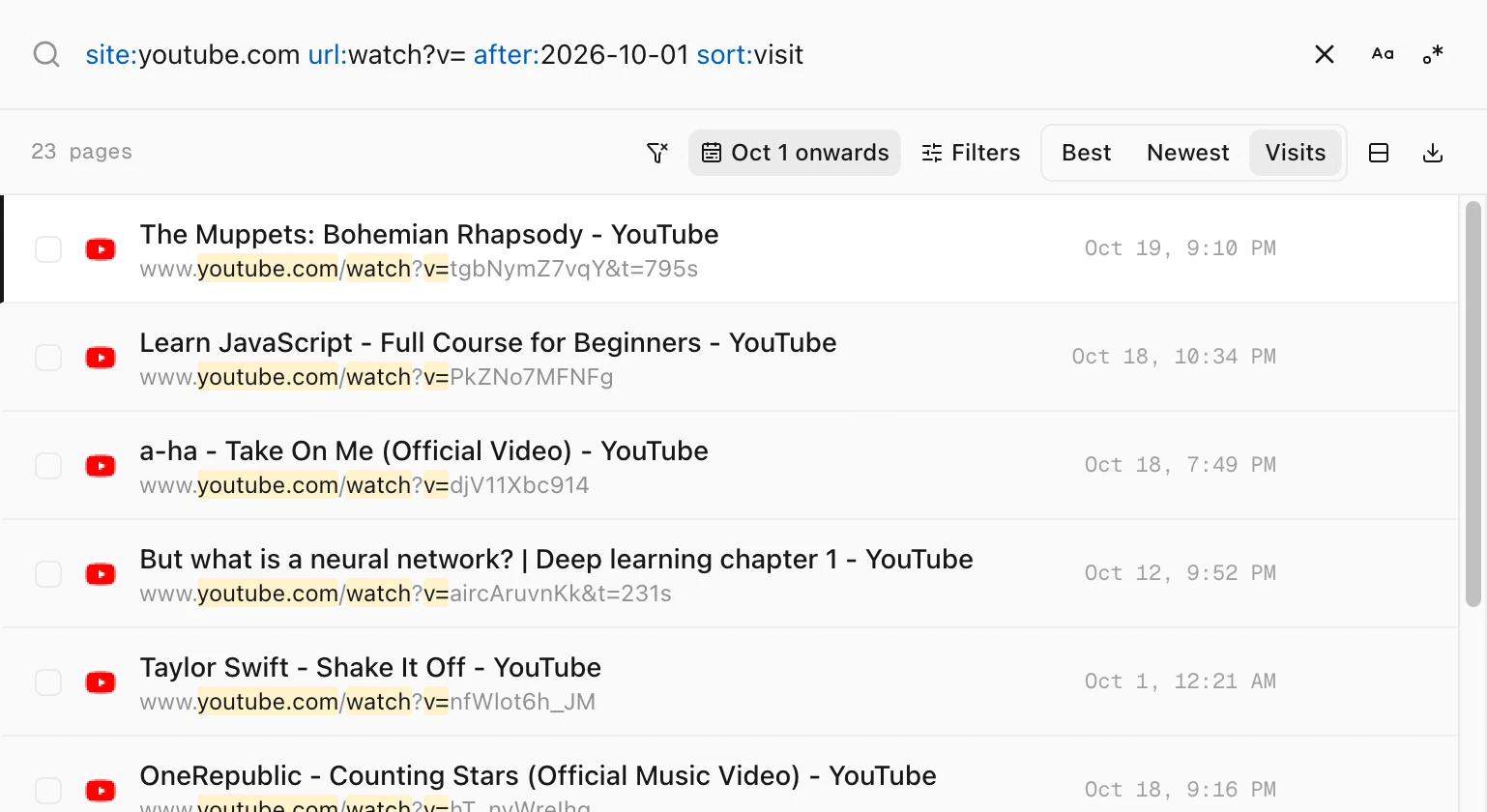
site:youtube.com url:watch?v= after:2026-10-01 sort:visit lists 23 videos.| Type this | What it finds |
|---|---|
kyoto -site:google.com -site:booking.com | Pages about Kyoto that are not Google searches or Booking.com |
rust site:reddit.com after:2026-10-12 before:2026-10-18 | Reddit pages about Rust from one week |
site:stackoverflow.com visits:>2 sort:visit | Stack Overflow pages you came back to most |
site:github.com /issues\/\d+/ | GitHub issue pages, with a regular expression |
Tips
- Two
site:filters mean either site. Every other filter must match. - Filters panel settings combine too. Match, Hour and the date button work together with what you type. Each one shows as a chip under the search box.
- Act on the result. Press ⌘A to select every page in the list, then copy, open, export or delete them. See how to delete search results from your history.
- Every operator in one place. Click Filters and look under Search syntax. Click any operator to add it to your search.