Before you start: add History Monk from the Chrome Web Store or Firefox Add-ons. The Chrome Web Store version also installs in Edge.
Step 1: Search for what you remember
Open History Monk and type a word into the search box, like rust. Look at which site fills the list. Here, most of the top rows are Google search pages, not the pages you read.
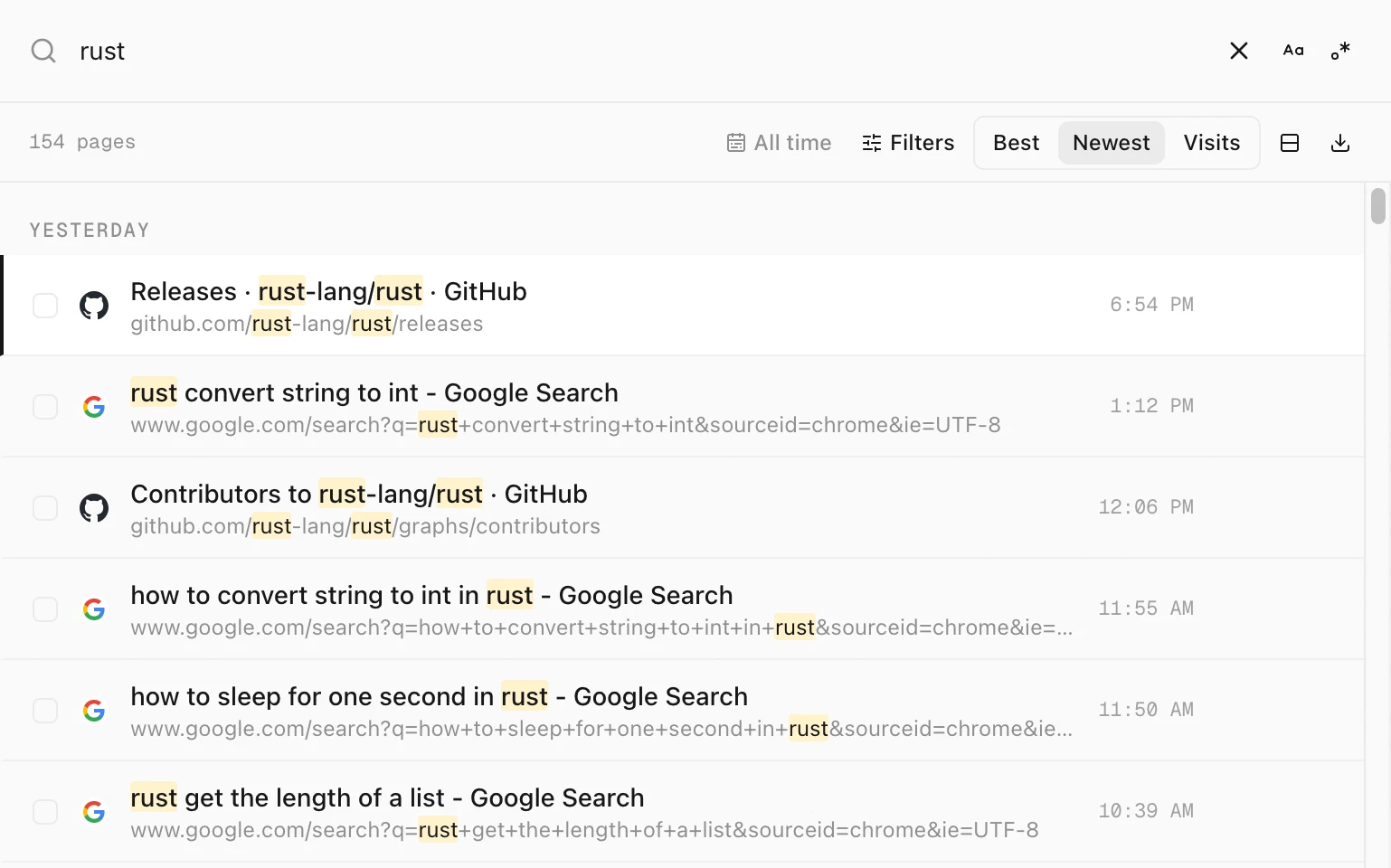
rust finds 154 pages, many of them Google search pages.Step 2: Add -site: and the site
Type a space and then -site:google.com. The minus means “leave this out”. Every page from that site, and its subdomains, drops out of the list.
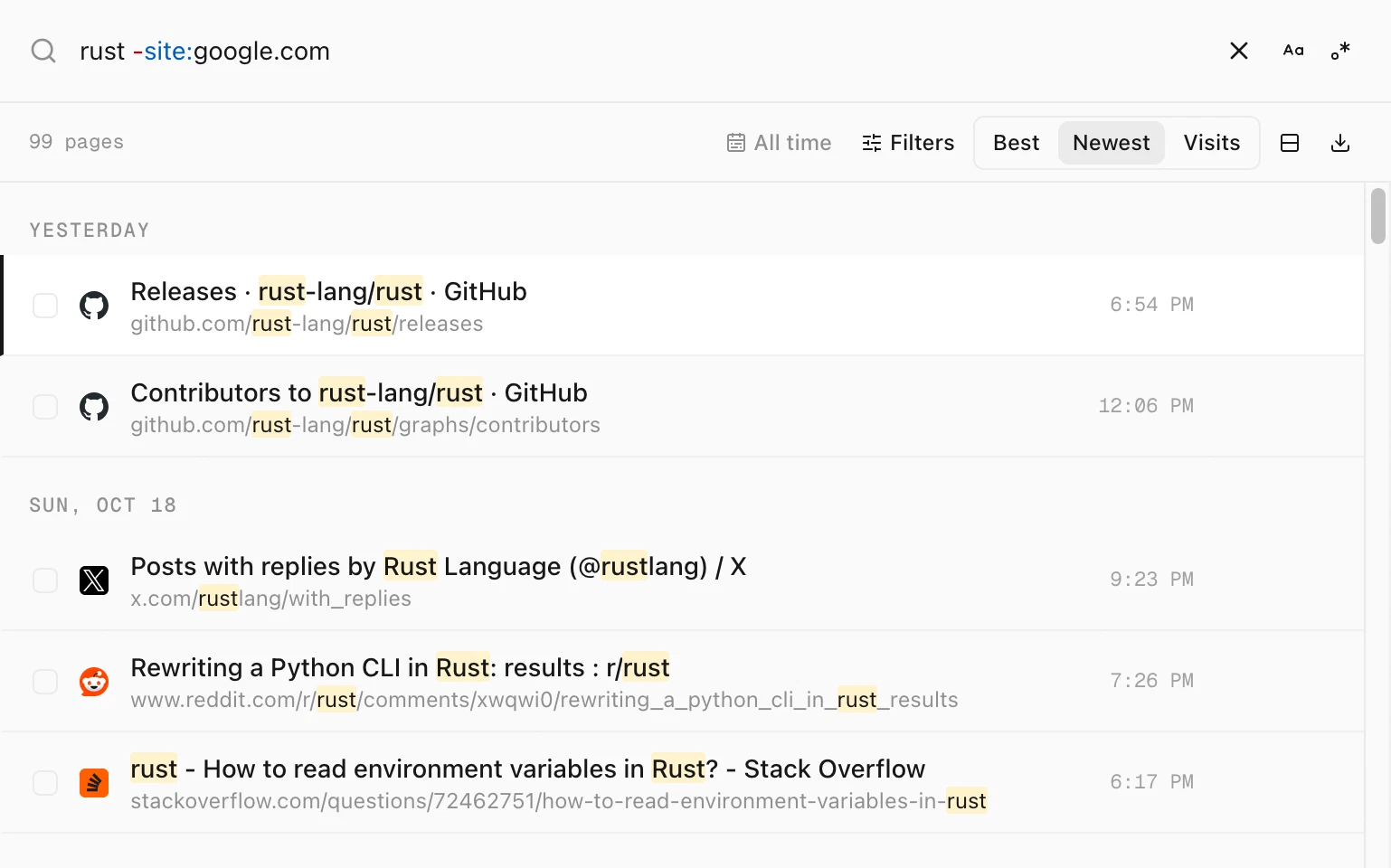
rust -site:google.com keeps 99 pages, none of them from Google.Typing -site: opens the same list of sites as site:, so you can pick one with ↑ ↓ and ↵.
Step 3: Leave out more, if you need to
You can add as many as you like. Each one removes more pages:
| Add this | What drops out |
|---|---|
-site:x.com | Every page from another site. Use one -site: for each site. |
-title:pull | Pages with “pull” in their title. |
-url:/search | Pages with “/search” in their address, which removes search pages from every site at once. |
For example, rust -url:/search keeps 91 pages, with no Google or Reddit search pages left.
Tips
- Nothing is deleted. These filters only change what this search shows. Clear the search box and everything is back.
- Want the opposite?
site:github.comkeeps only one site. See how to search your history on one website. - Keep a site out of every view. Add it to Hidden sites in Settings. See how to hide a site from your history.
- Search only titles or addresses. See how to search history by title or address.