Before you start: add History Monk from the Chrome Web Store or Firefox Add-ons. The Chrome Web Store version also installs in Edge.
Step 1: Click Visits
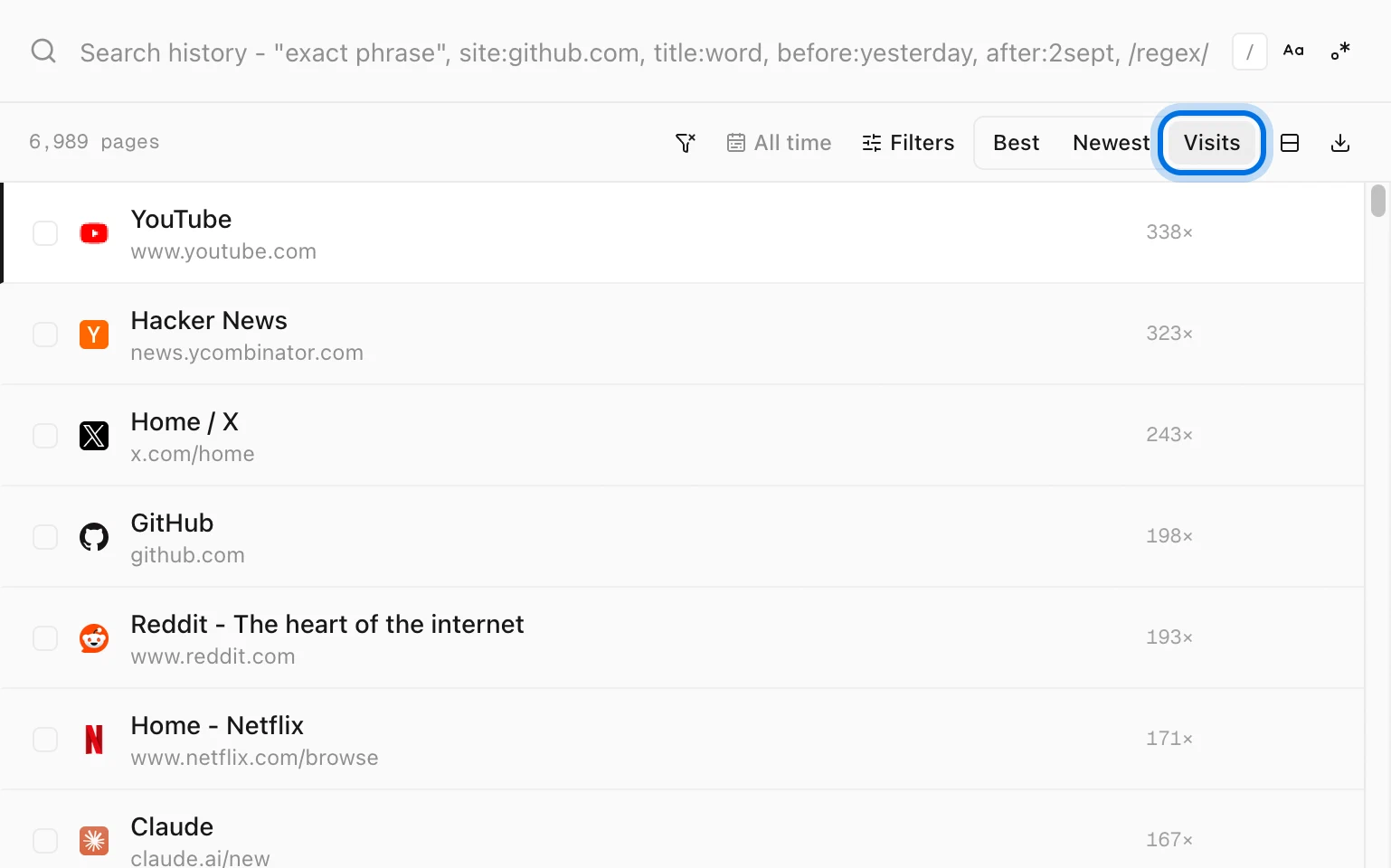
Open History Monk. Above your results are three ways to order them: Best, Newest and Visits. Click Visits.
The pages you open most move to the top, and each row shows how many times you opened it, like 338×.
Step 2: Narrow it to a site or a word
Type in the search box as usual. The list keeps its most-visited-first order. site:stackoverflow.com shows the Stack Overflow pages you came back to most.
You can also set the order inside the search with sort:visit. It works the same as clicking Visits, and sort:new and sort:best switch back.
Step 3: Keep only pages above a count
visits: keeps pages by how many times you opened them:
| Type this | What it keeps |
|---|---|
visits:>10 | Pages opened more than 10 times |
visits:5 | Pages opened 5 times or more. A bare number means at least. |
visits:=1 | Pages you opened only once |
visits:<3 | Pages opened once or twice |
Put them together for a short list of your regulars on one site:
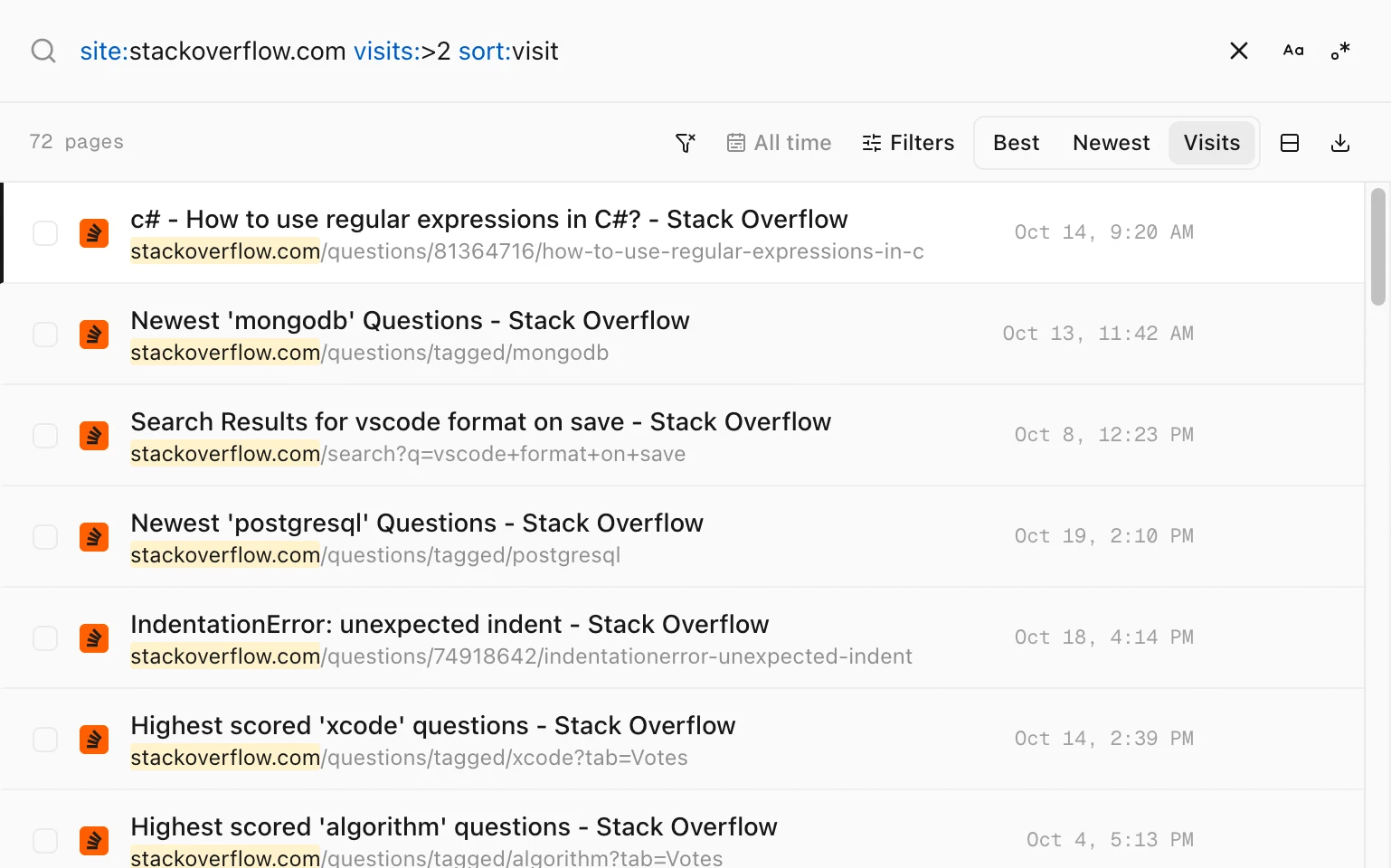
site:stackoverflow.com visits:>2 sort:visit keeps 72 pages you opened at least 3 times.Tips
- Whole sites instead of pages. Open Sites in the sidebar to see every site with its total visits. See how to see every website you visited.
- Start in this order every time. In Settings, set Sort on open to Visits.
- See the trend. Analytics shows your top sites with a small chart of pages per day. See how to see which sites you visit most.
- Clear out one-off pages.
visits:=1finds pages you never went back to. Cleanup has a ready-made group for them. See how to clean up search pages from your history.