Before you start: add History Monk from the Chrome Web Store or Firefox Add-ons. The Chrome Web Store version also installs in Edge.
Step 1: Open Recently closed
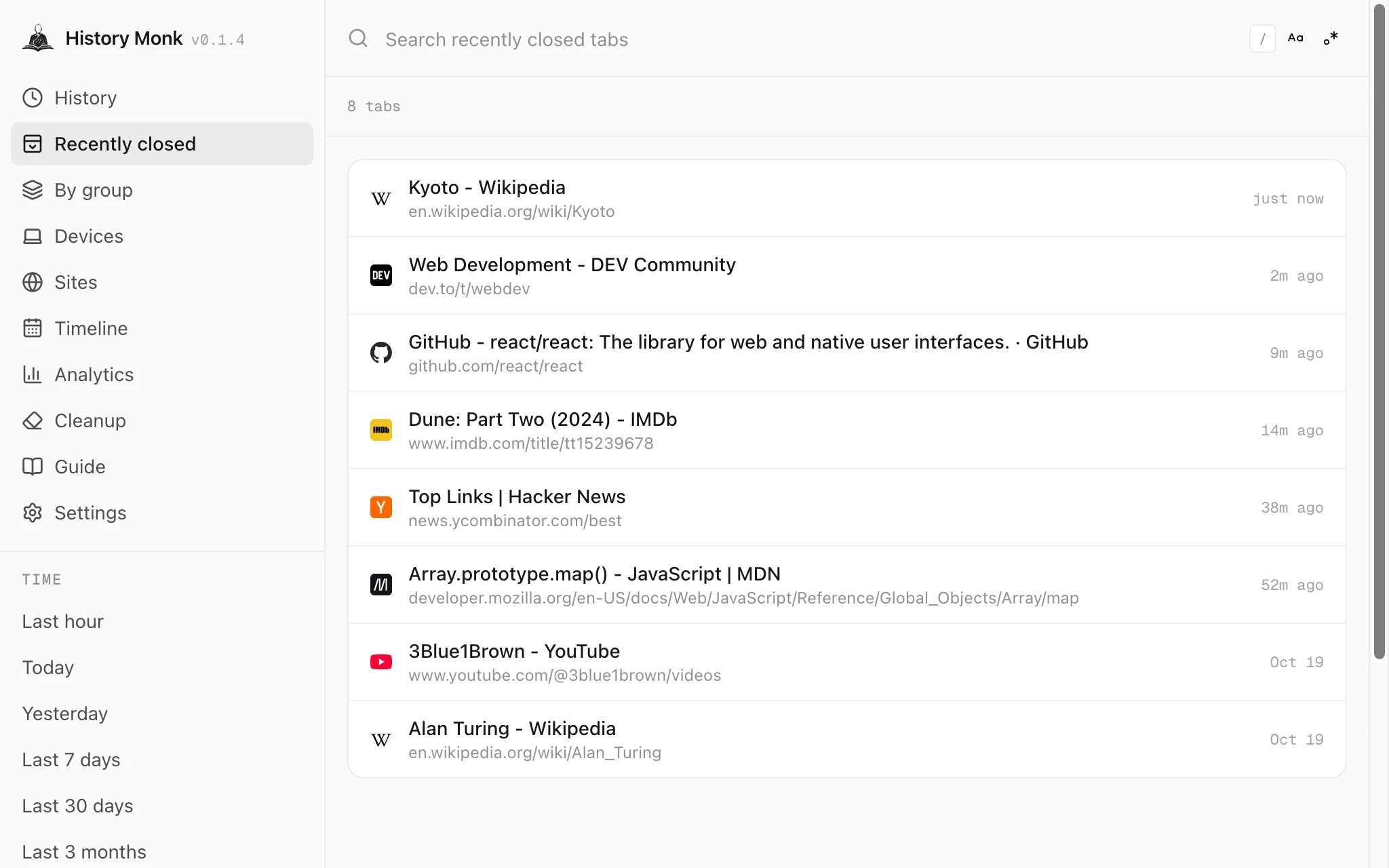
Open History Monk and click Recently closed in the sidebar, right under History. The tabs you closed on this device are listed newest first, with when you closed each one: just now, 2m ago, or a date for older ones.
Step 2: Find the tab
If it isn’t near the top, type a word from its title or address in the search box. The list keeps only the tabs that match, with the word highlighted.
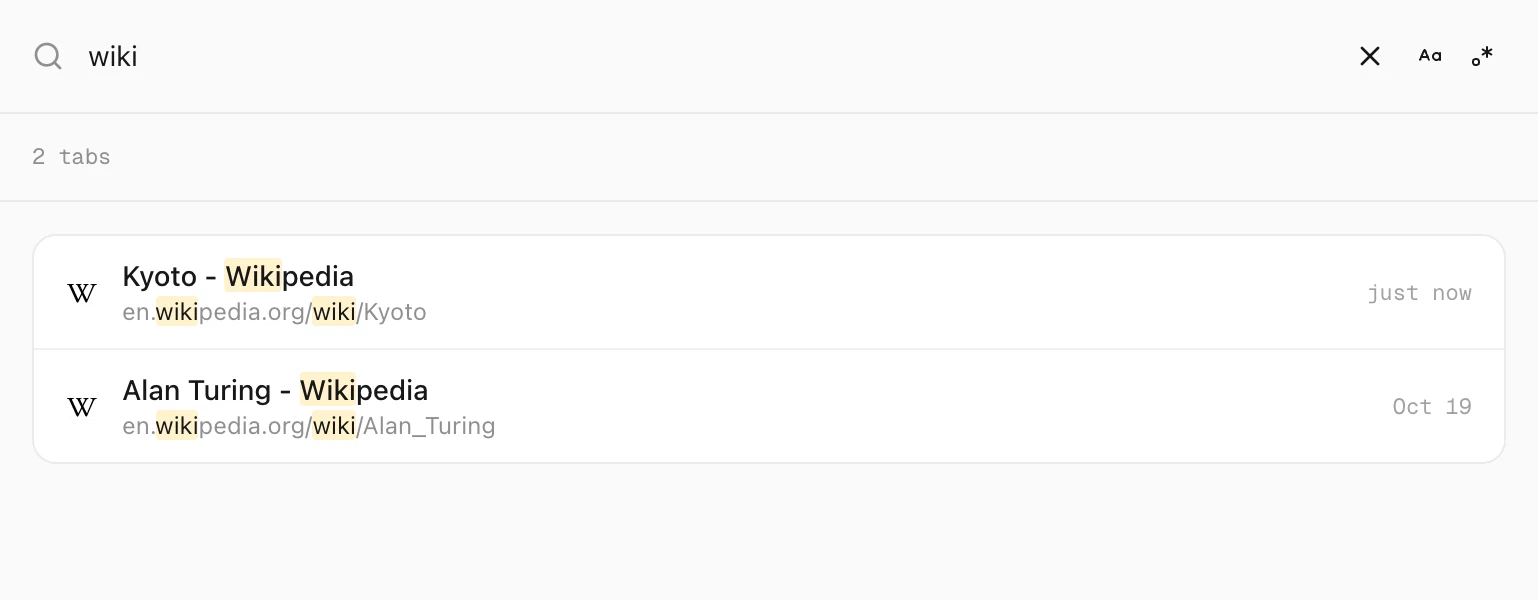
wiki leaves two closed tabs.Step 3: Click it
Click the row and the page opens again in this tab.
Good to know
- The last 25. The list holds the last 25 tabs and windows your browser remembers on this device.
- Closed a window? Every tab from it gets its own row, so you can reopen just one.
- Closed the same page twice? It’s listed once, at the latest time.
- Older than that? Search your history for it. See how to find a website you forgot the name of.
- Tabs on your phone or other computer are in Devices. See how to see tabs from your other devices.