Before you start: add History Monk from the Chrome Web Store or Firefox Add-ons. The Chrome Web Store version also installs in Edge.
Step 1: Open History Monk from any tab
Press ⌥⇧H. History Monk opens in a new tab with the cursor already in the search box. In Chrome and Edge, CtrlH, or ⌘Y on a Mac, opens it too.
Step 2: Type, then move with the arrow keys
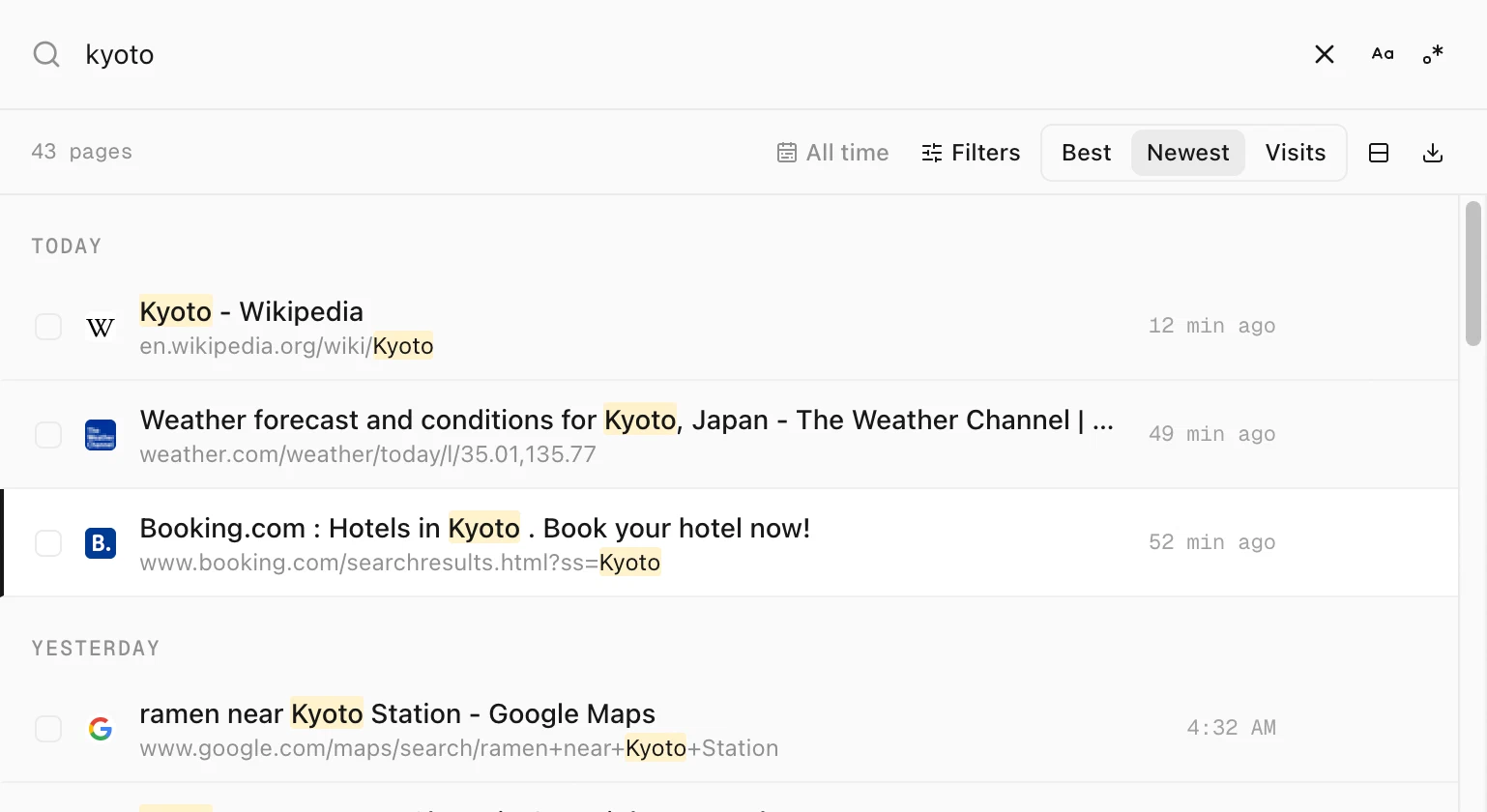
Type what you remember. The first result is highlighted. Press ↓ and ↑ to move the highlight, shown as a dark bar at the left of the row. Your cursor stays in the search box, so you can keep typing.
Step 3: Open the page
Press ↵ to open the highlighted page in this tab. Press ⌘↵ to open it in a background tab and stay in History Monk.
Every shortcut
| Press | What it does |
|---|---|
| ⌥⇧H | Open History Monk from any tab |
| / or ⌘K | Jump to the search box |
| ↑ ↓ | Move through the results |
| ↵ | Open the highlighted page in this tab |
| ⌘↵ | Open it in a background tab |
| Tab | Move from the search box into the list |
| Space | Tick the row you’re on, once you’re in the list |
| ⇧Space | Tick every row up to the last one you ticked |
| ⌘A | Tick every result. Press again to clear. In the search box it selects your text, so press Tab first. |
| Esc | Clear the search. Press again, after a moment, to clear the ticks. |
The keys above match your computer: ⌘ on a Mac, Ctrl on Windows and Linux.
Tips
- Change the shortcut. See how to change the History Monk shortcut.
- Copy what you ticked. See how to copy links from your history.
- Esc is careful. A quick double press of Esc clears the search but keeps your ticks, so you don’t lose a selection by accident.