Before you start: add History Monk from the Chrome Web Store or Firefox Add-ons. The Chrome Web Store version also installs in Edge.
Step 1: Open Settings and find Theme
Click Settings at the bottom of the sidebar menu. Theme is near the top. System is picked at first: it follows your computer’s light or dark appearance.
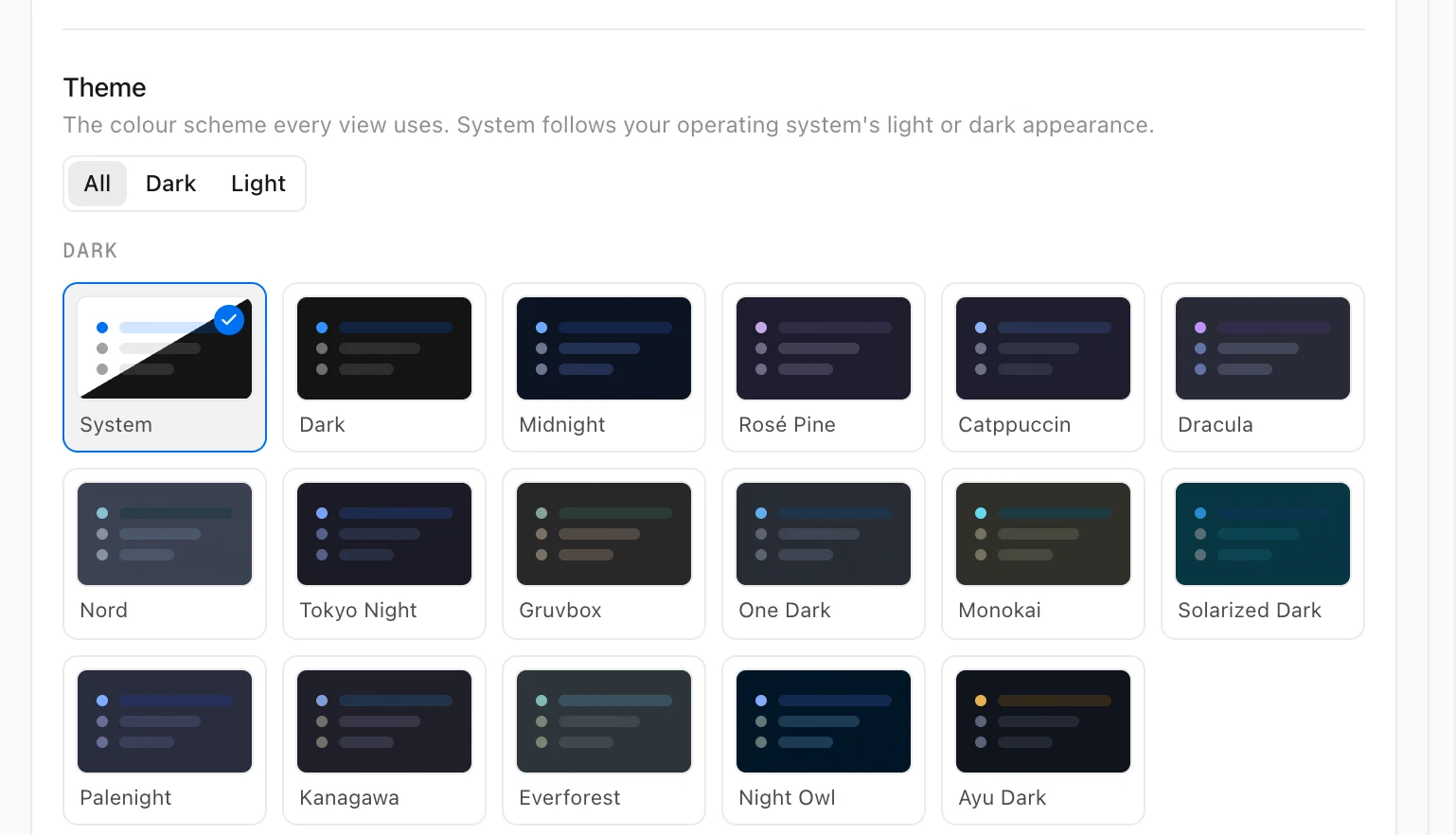
Step 2: Pick a dark theme
Click Dark above the tiles to show only the dark themes, then click the one you like. The whole app changes straight away, with nothing to reload.
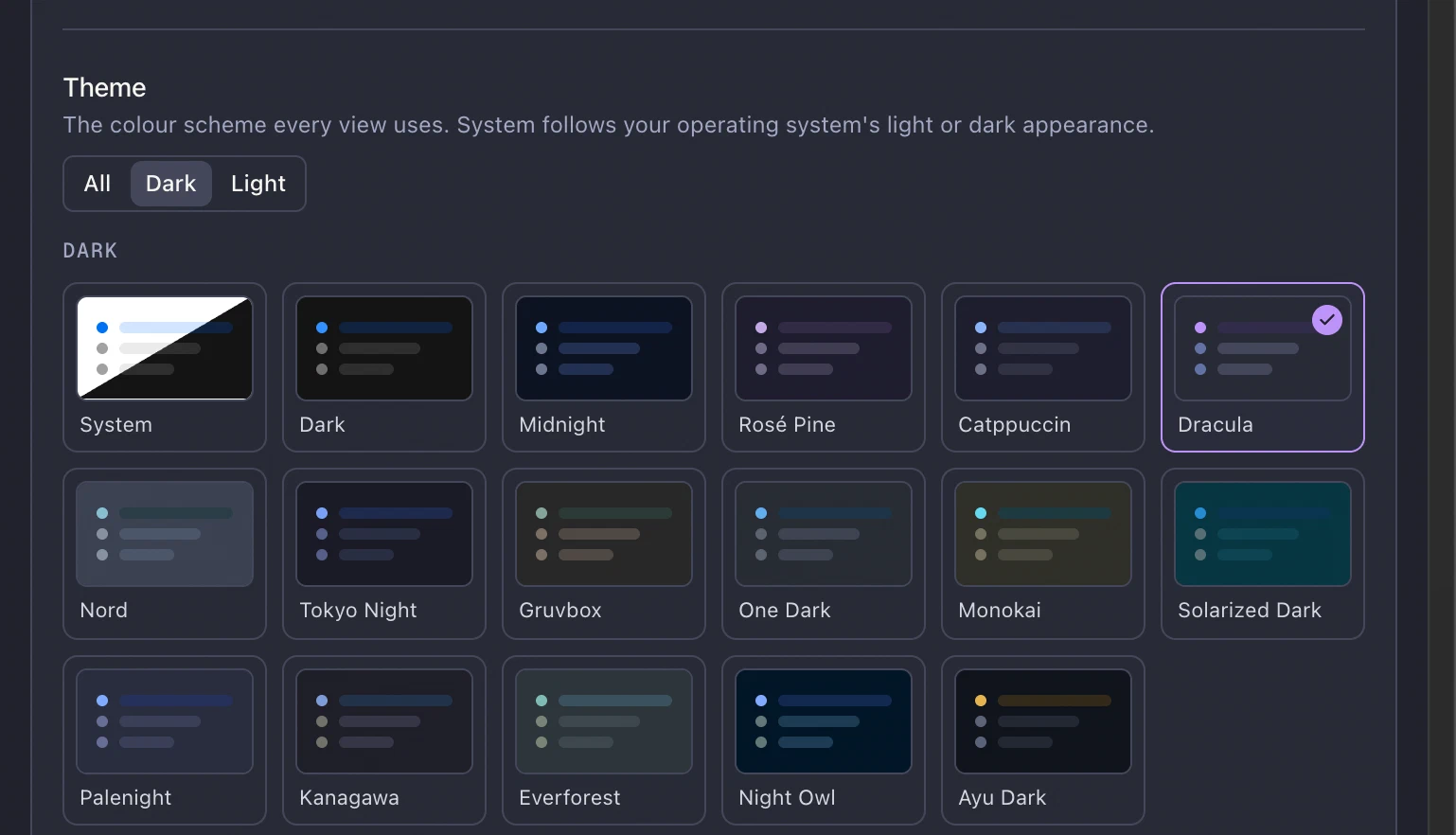
The 16 dark themes are Dark, Midnight, Rosé Pine, Catppuccin, Dracula, Nord, Tokyo Night, Gruvbox, One Dark, Monokai, Solarized Dark, Palenight, Kanagawa, Everforest, Night Owl and Ayu Dark. Click Light to see the 12 light themes.
Tips
- Back to automatic: click All, then System.
- The weekly digest card is drawn in your theme too. See how to share your week in browsing.
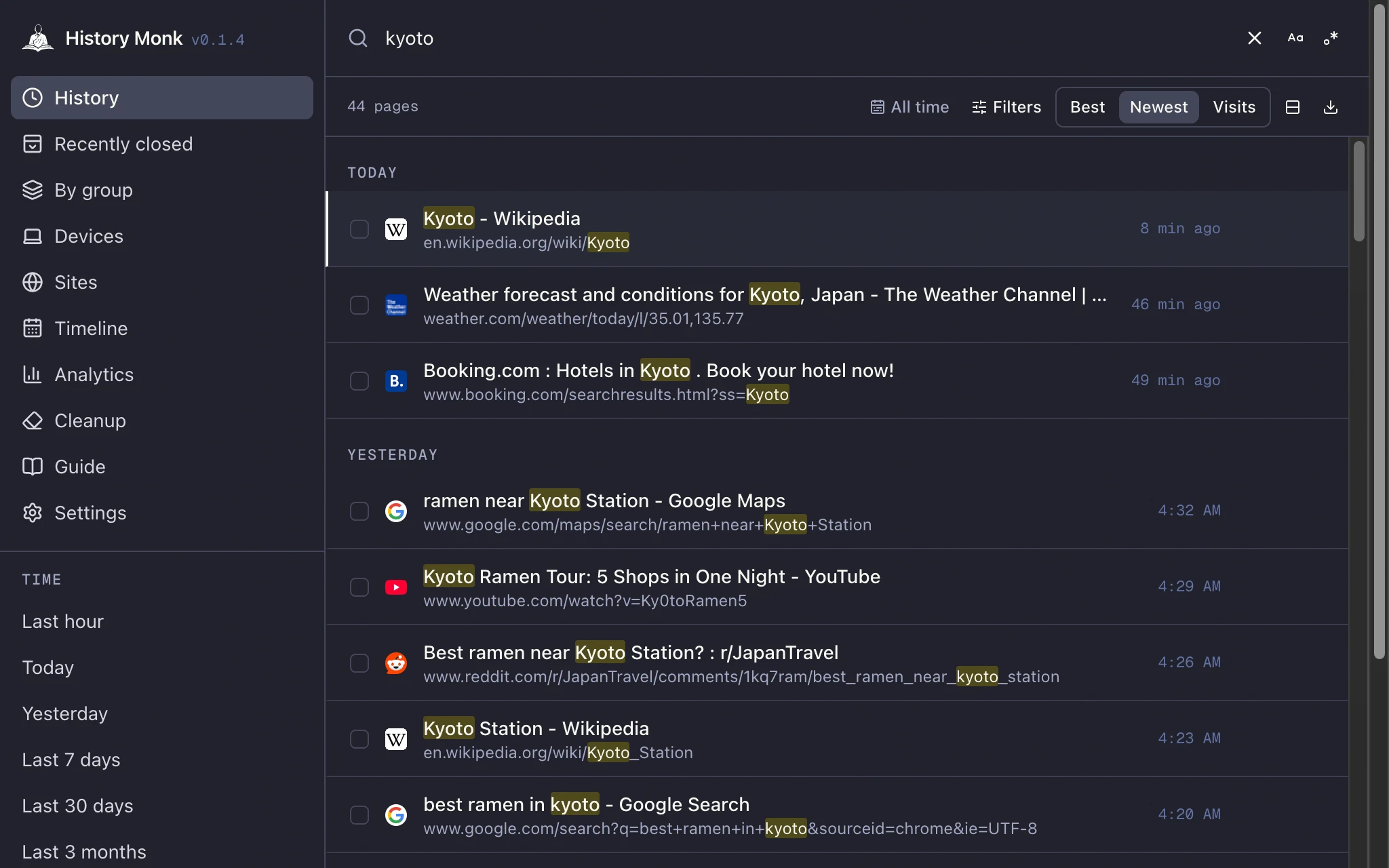
- Make the text bigger or the rows tighter in the same Settings page. See how to change text size and date format.